Loom
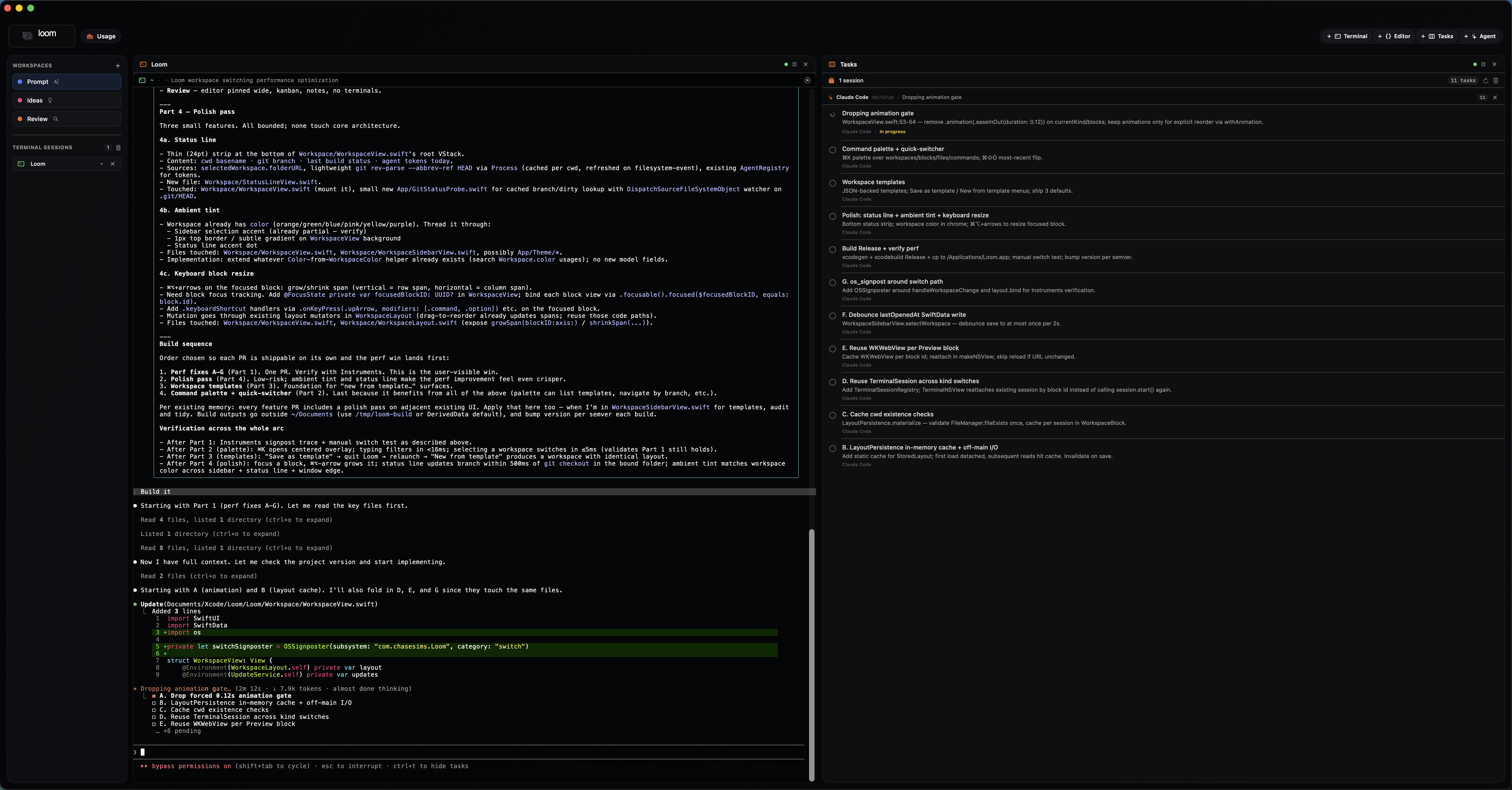
Native macOS workspace for terminals, editor, AI agents, and task state in one window. The terminal is the differentiator.
Loom is a personal, single-user tool. No subscription model, hosted control plane, team billing, or feature gating. Local-first storage is the default; cloud services are optional provider integrations only when they directly help the operator ship.
Where to start
- New here? Read Install, then First run.
- Want to wire up your local model? See Local LLMs.
- Cutting a build? See Cutting a release.
- Publishing a Loom update? Keep Current release notes accurate before tagging.
What's in Loom
| Area | Summary |
|---|---|
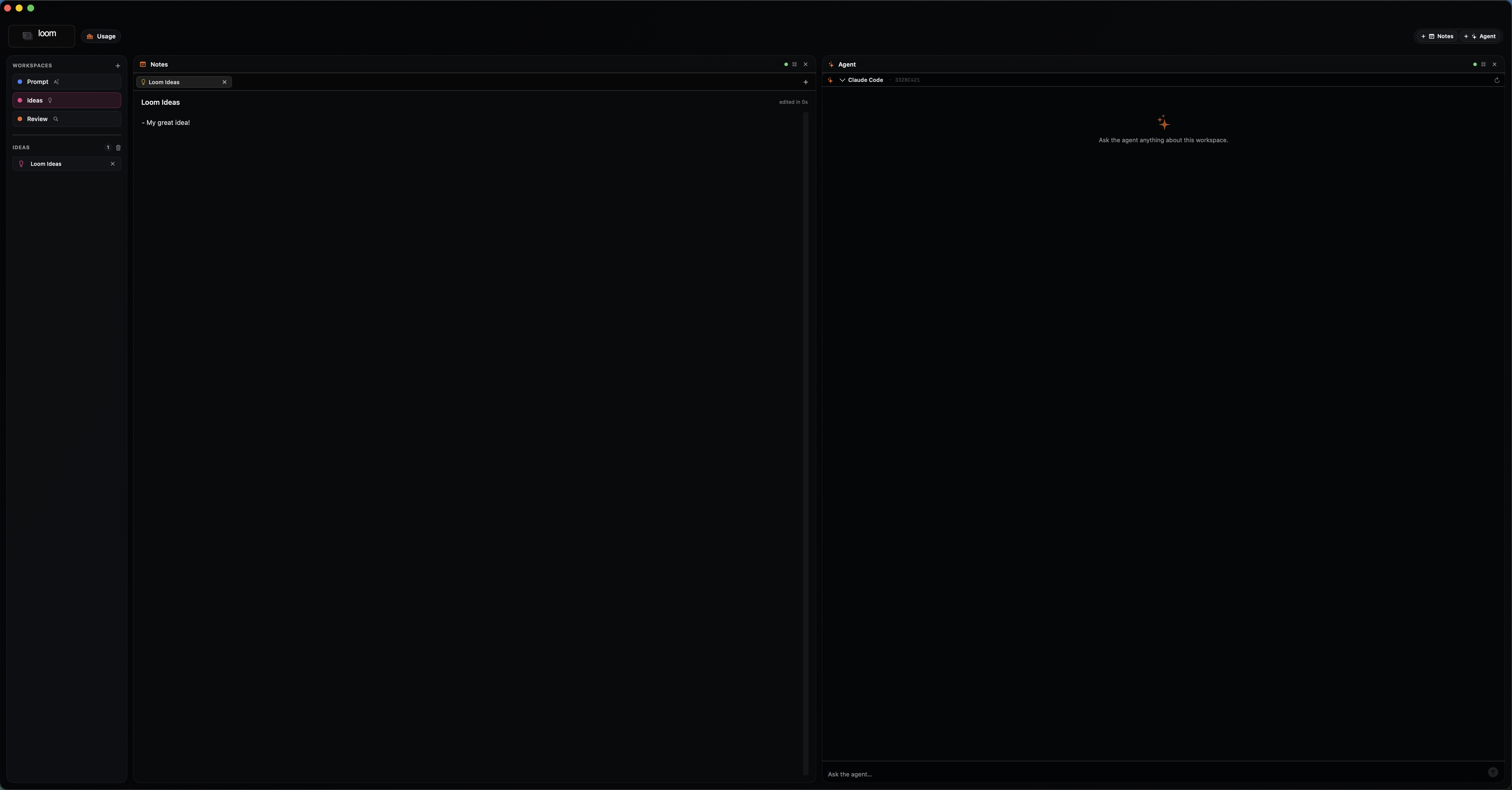
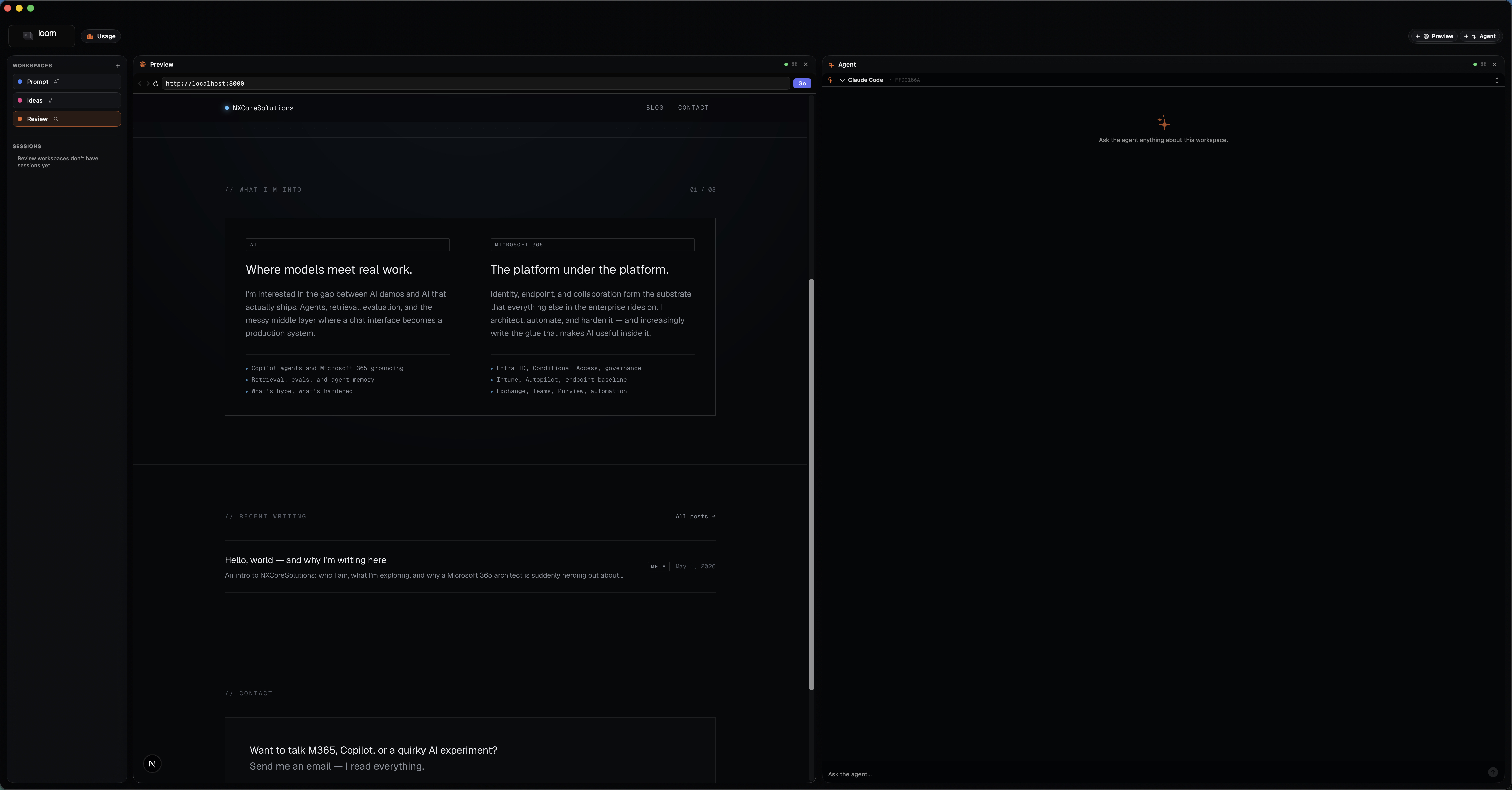
| Workspaces | Three kinds — Prompt, Ideas, Review — each with its own pane lineup. |
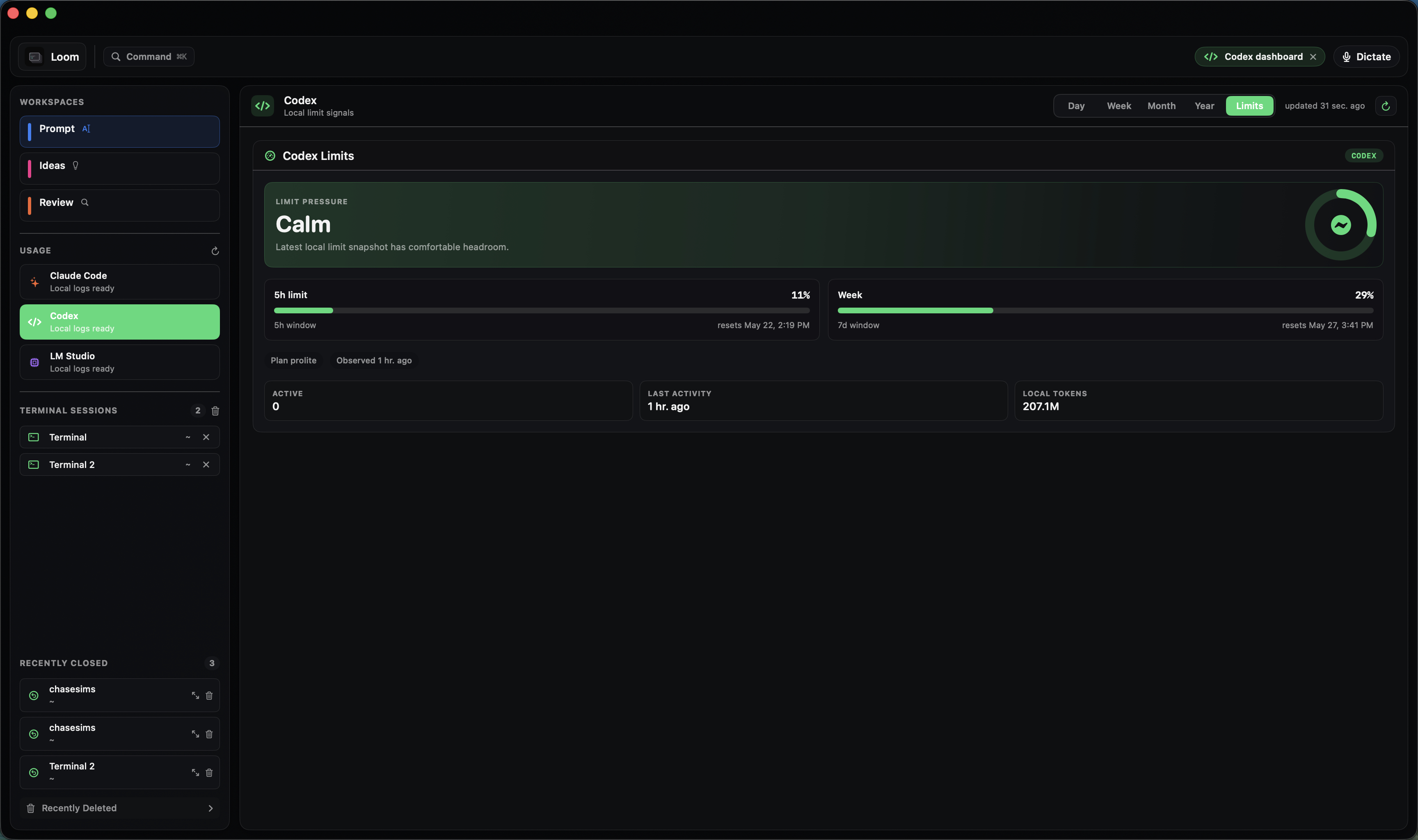
| Agents | Claude Code via OAuth subprocess, optional Anthropic API key, plus local LLMs over HTTP. |
| Tasks | SwiftData kanban with task → agent and task → terminal handoff. |
| Terminal | SwiftTerm-backed pane with CLI agent auto-detection, local transcripts, and recovery. |
| Editor | File tree with breadcrumb. CodeEdit integration is on the roadmap. |
| Settings | Theme, stale-task window, providers, MCP, Shell history, and Anthropic key. |
| Updates | Polls GitHub Releases on a 60s interval; Update pill swaps in the new build. |
| Releasing | bin/release.sh ships a signed-ish DMG and tags the commit. |
Product principles
- Personal command center first. Optimize for one builder moving quickly, not tenant management.
- Local-first by default. Tasks, settings, workspace metadata, and agent configuration live on this Mac unless explicitly synced.
- Bring your own providers. API keys live in Keychain; model and provider integrations stay replaceable.
- No artificial tiers. If Loom can do something locally, it should be available.
- Terminal work should be reviewable. Commands, output, exit status, and agent actions become structured history over time.