Gadarr
Gadarr is a self-hosted, game-native Arr-style app for tracking PC games, searching releases, monitoring download queues, and importing completed downloads into a finished games library.
It takes the familiar Arr workflow and points it at games: watched titles, release candidates, patch/update intent, download-client handoff, queue visibility, completed-download import, and Docker deployment.
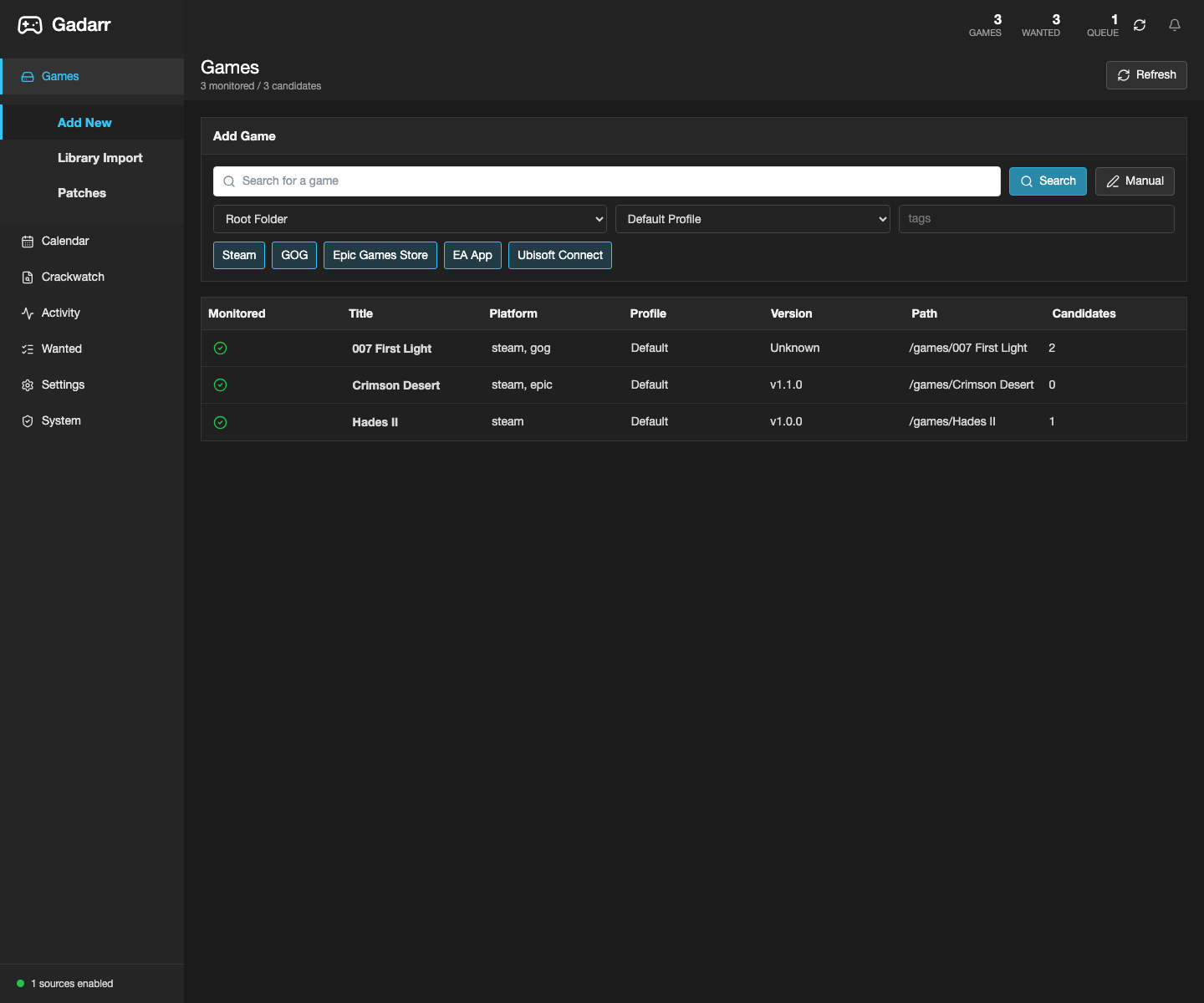
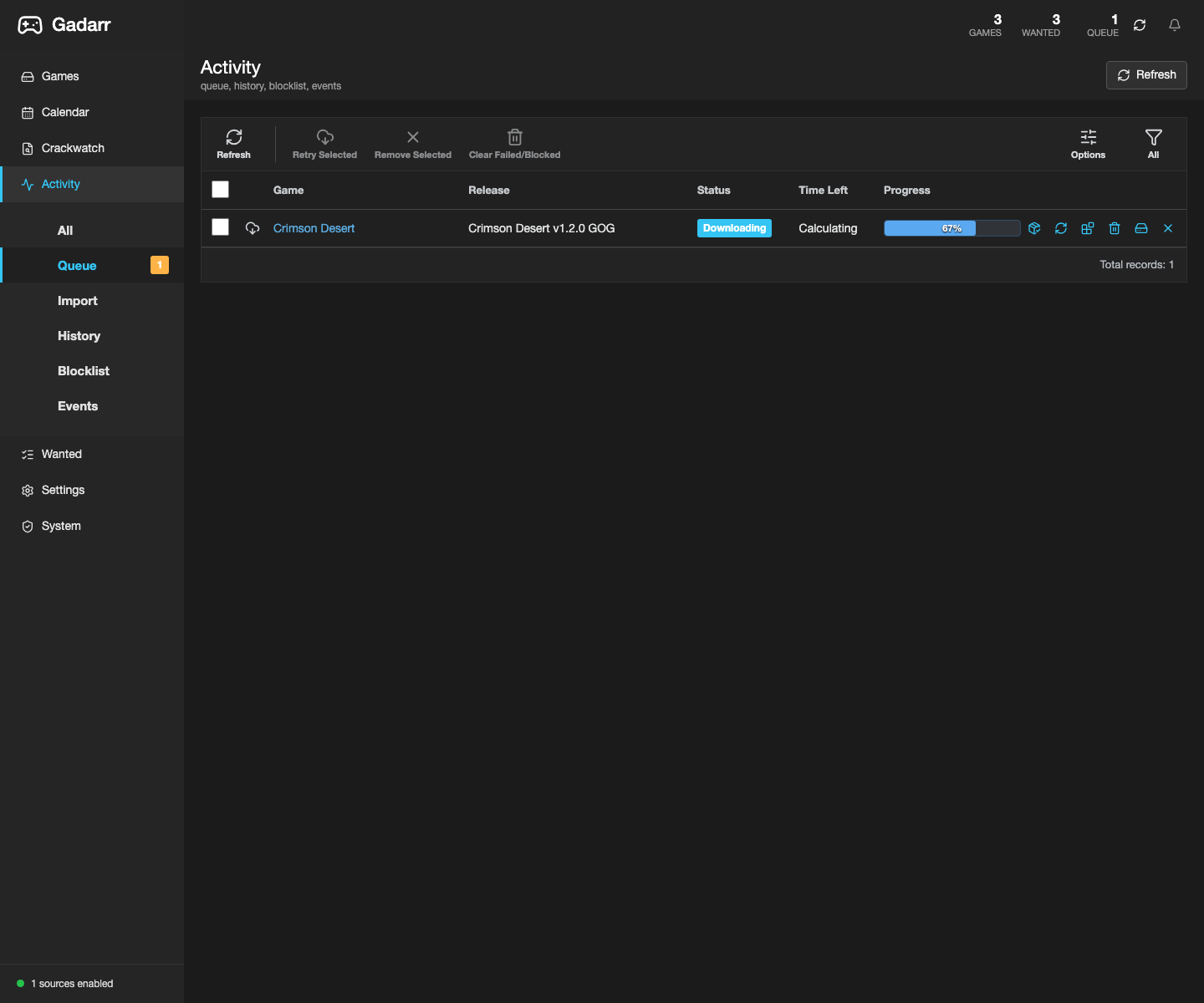
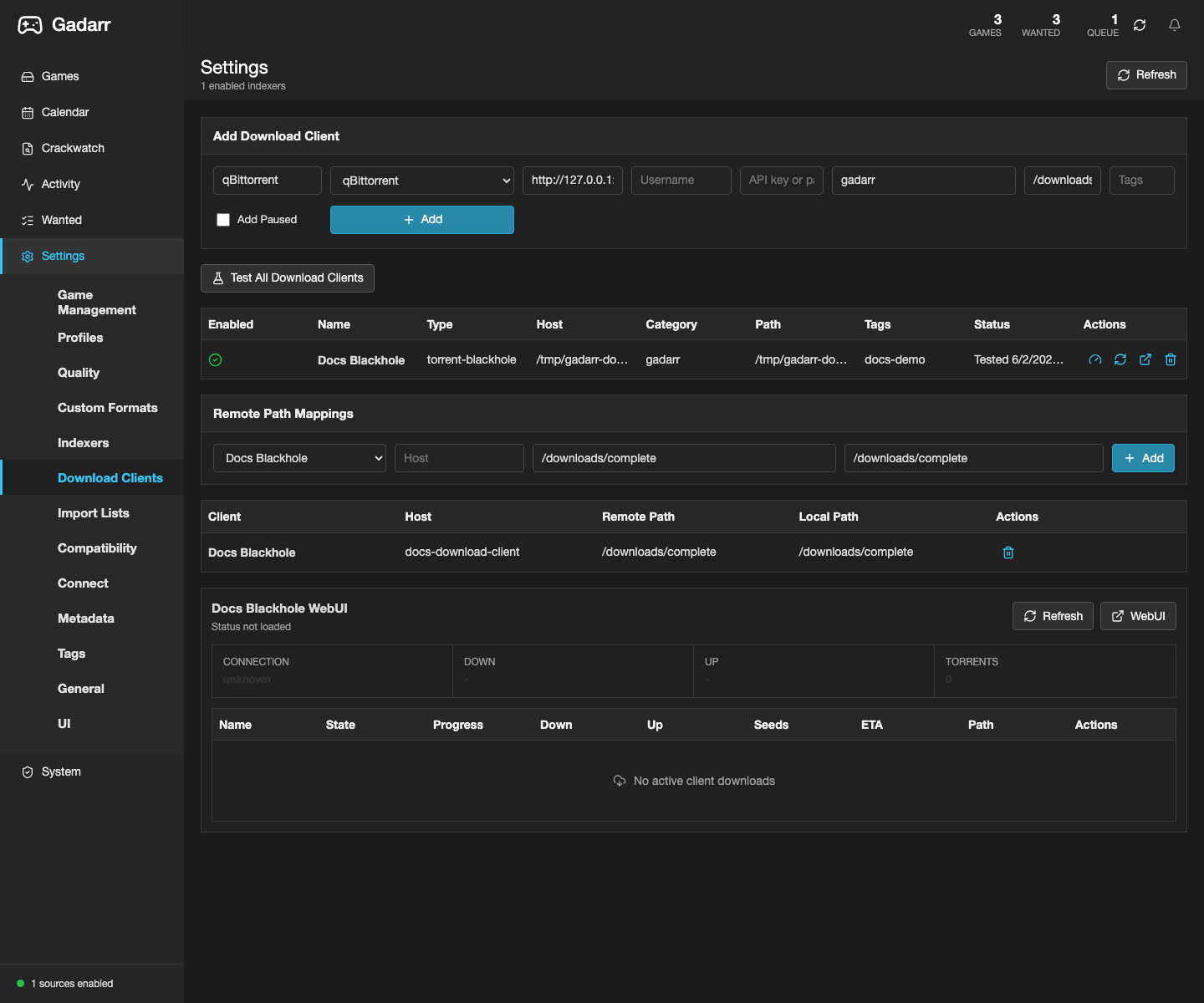
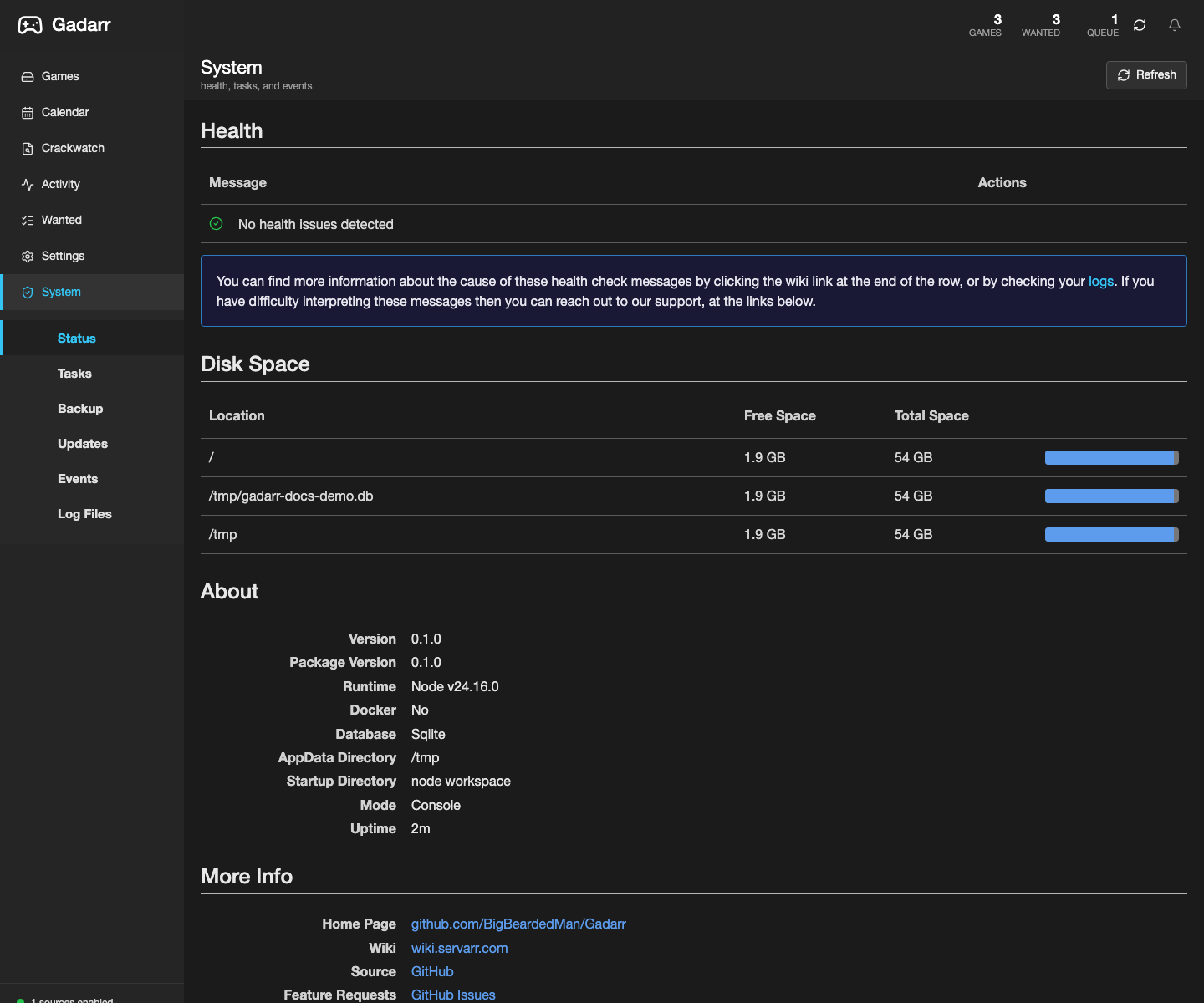
See the full screenshot gallery for the release filters, import-list settings, download clients, remote path mappings, and system status views behind the claims below.
Where to start
- Opening docs inside Gadarr: use the header Docs button, sidebar Knowledge Base item,
/knowledge-base,/documents,/docs, or/documentation. - Browsing the GitHub KB: start with the Knowledge Base, then use the guide and deployment pages below.
- New install: read the Complete Guide, then Docker Deployment.
- Container install: use the published
latestimage and keep real host paths in local.envfiles instead of public docs. - Wiring indexers: start with Prowlarr Integration.
- Checking parity or publishing docs: use Parity Check and the Documentation Agent.
- Checking the public docs page: see Agents and publish status.
What's in Gadarr
| Area | Summary | Screenshot proof |
|---|---|---|
| Games | Track monitored PC games, platform metadata, library paths, installed versions, candidates, and wanted state. | Library |
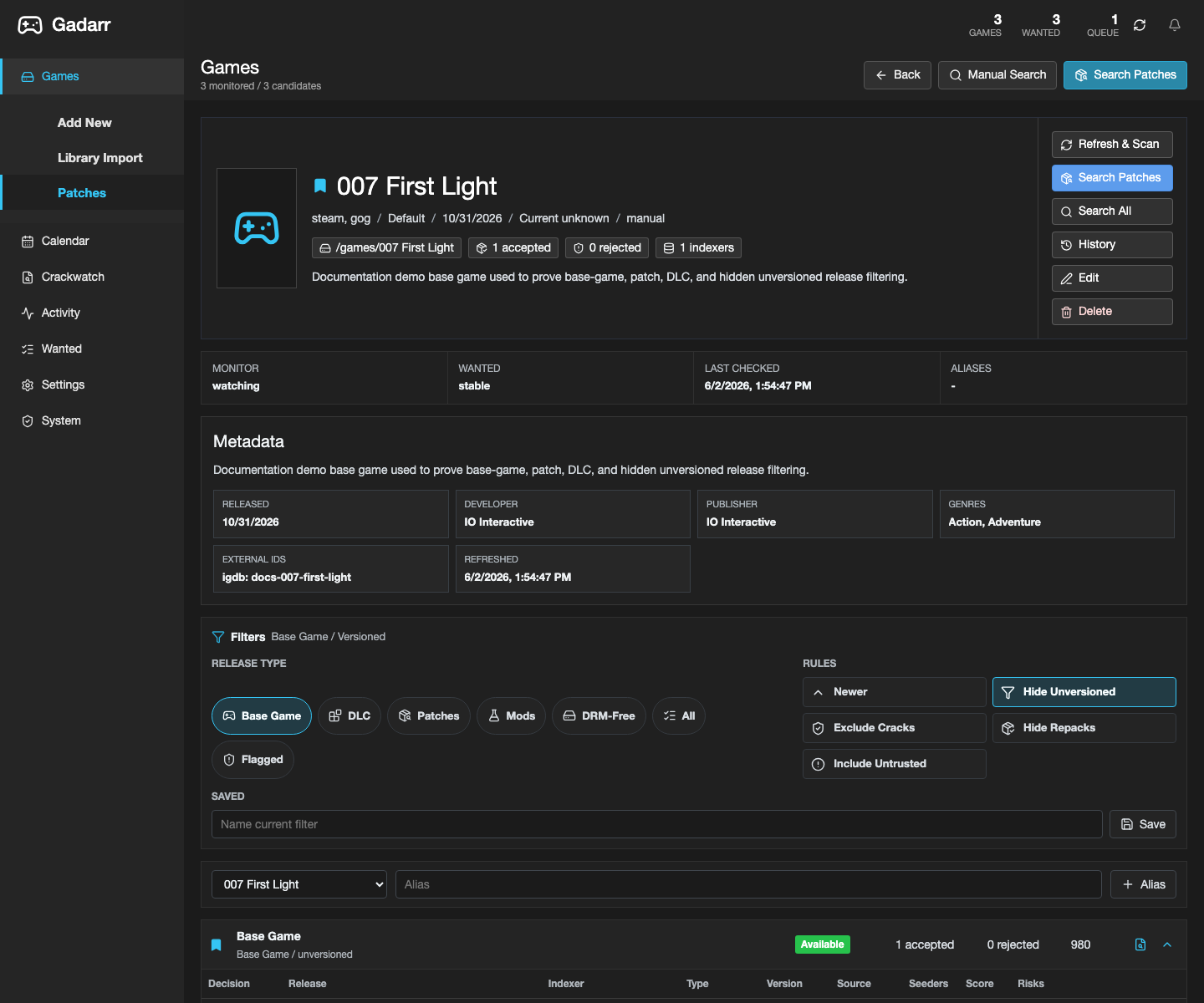
| Releases | Score base games, updates, DLC, mods, repacks, DRM-free builds, and risky releases with game-native filters. | Release filters |
| Activity | Show queue, history, blocklist, events, progress, retry, remove, blocklist, and download-client actions. | Queue |
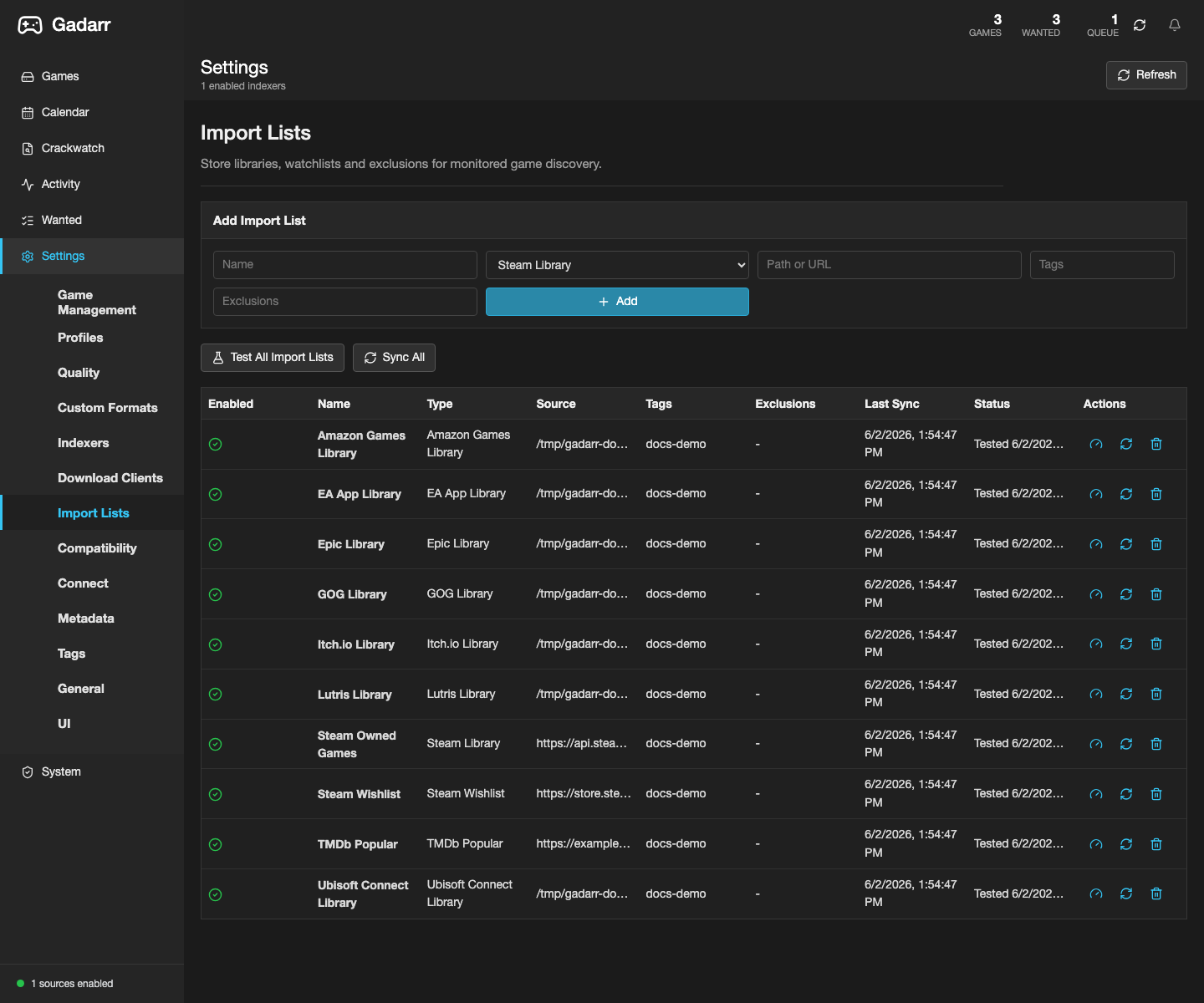
| Import Lists | Sync Steam, GOG, Epic, Legendary/Heroic, Itch.io, Lutris, Amazon Games, EA App, Ubisoft Connect, Battle.net, TMDb, RSS, custom JSON, and Servarr-compatible game lists. | Import lists |
| Download Clients | Hand off torrent, Usenet, Synology Download Station, and blackhole downloads while keeping credentials server-side. | Download clients |
| Import Manager | Move completed downloads into /games with hardlink/copy policy, checksums, backups, cleanup, and remote path mappings. |
Remote paths |
| System | Check health, deployment doctor state, runtime status, backups, logs, API keys, and feed keys. | System status |
| Knowledge Base | Open the header Docs button, sidebar Knowledge Base item, /knowledge-base, /documents, /docs, or /documentation for in-app workflow cards, runbooks, and links back into the owning Gadarr screens. |
Knowledge Base |
Product principles
- Game-native first. Every screen should answer game questions before compatibility concerns.
- Arr-compatible where useful. Compatibility aliases exist to keep automation integrations working, not to make the app feel like TV or movie software.
- Safe by default. Credentials stay server-side, cracked/keygen/DRM-bypass releases stay blocked from grabs, and public docs do not claim unverified deploys.
- Container-friendly. Published images should be deployable without building from source on constrained machines.
- Documentation-backed. Screenshots, source-backed claims, parity scripts, GitHub state, and deployment state must agree before publishing.
- Useful in-app. Live installs include a Knowledge Base so users are not forced to leave Gadarr to find the next operational step.
Agents and publish status
Gadarr has a dedicated documentation agent at Documentation Agent, backed by scripts/documentation-agent.mjs. Run it before publishing README, docs, screenshots, or release notes:
The hosted site is built from mkdocs.yml and docs/ for https://bigbeardedman.github.io/Gadarr/. Publish it with mkdocs gh-deploy --force or the docs workflow when workflow-file pushes are available.
Docs-only passes do not imply a Docker Hub, GHCR, or GitHub Pages deploy. Only claim those states after the corresponding documentation-agent check proves them.