Screenshots
The hosted docs use this screenshot set. Refresh it from a live-safe local instance whenever the UI materially changes. Start Gadarr against /tmp/gadarr-docs-demo.db, then seed public-safe demo rows and capture:
DATABASE_PATH=/tmp/gadarr-docs-demo.db pnpm docs:screenshots -- --seed-demo --base-url http://127.0.0.1:3000
| Screenshot | View | What it proves |
|---|---|---|
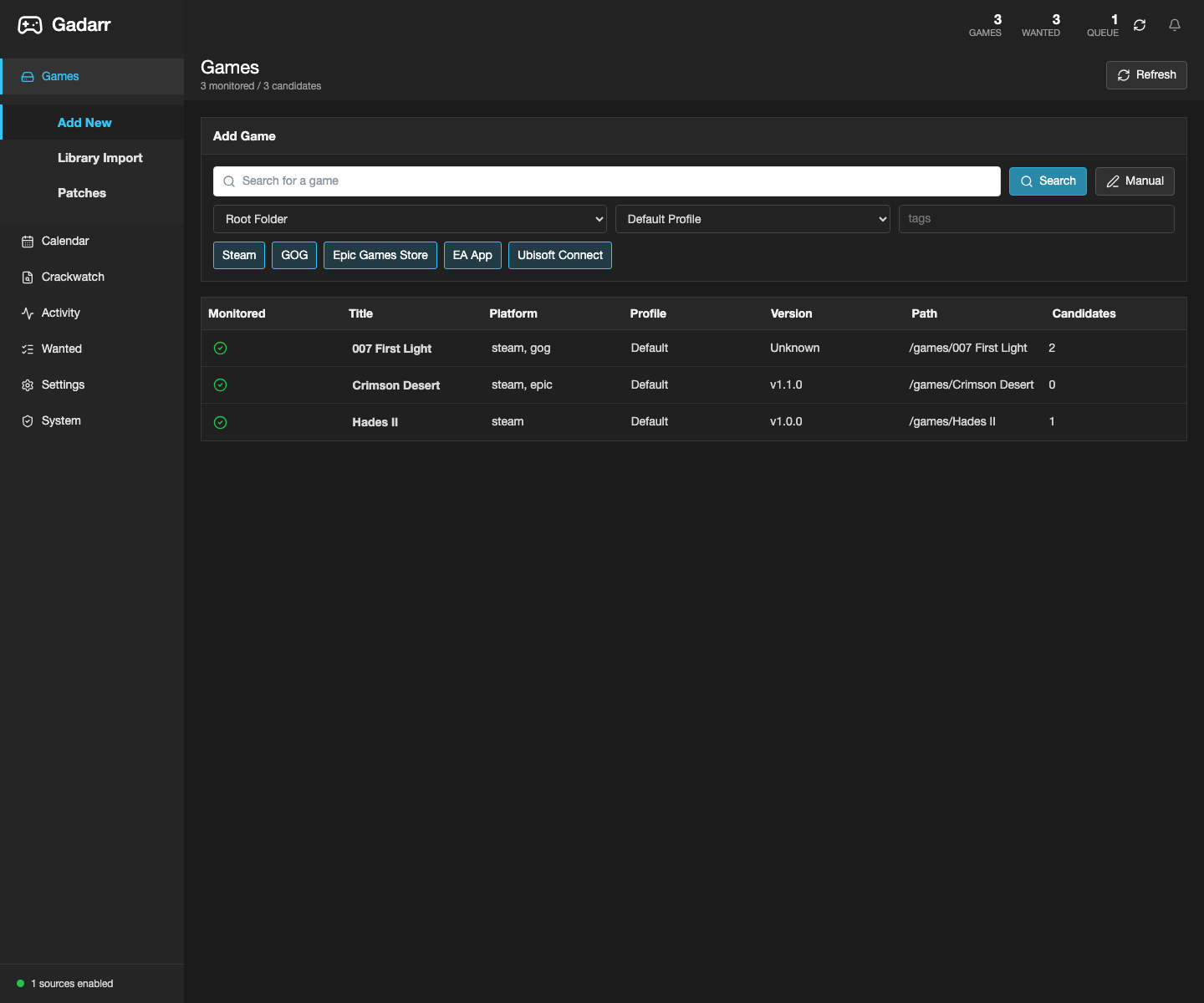 |
Games library | The first screen is a game library with monitored games and candidates. |
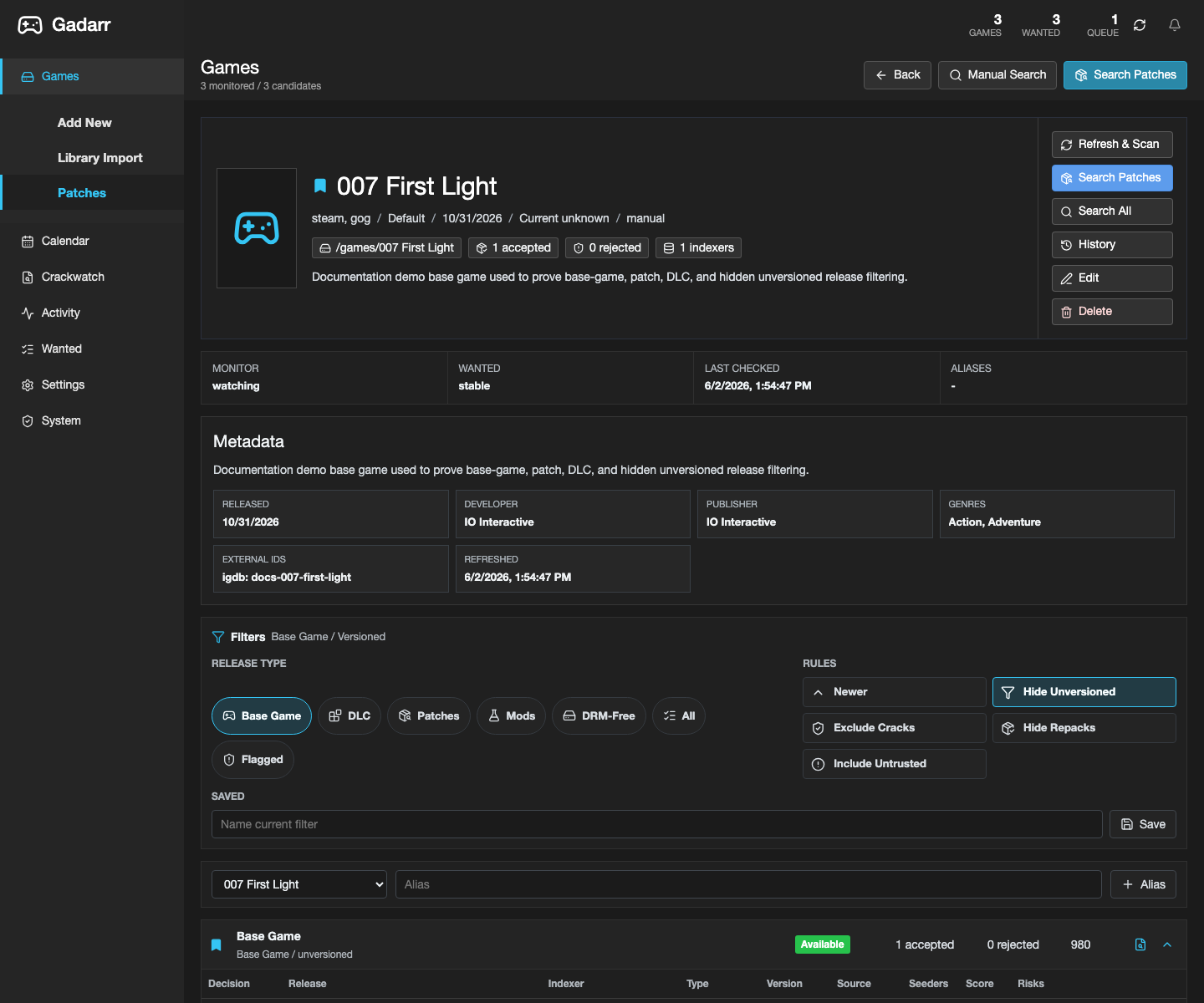 |
Game detail releases | Release filters prioritize base-game and update candidates while keeping review controls visible. |
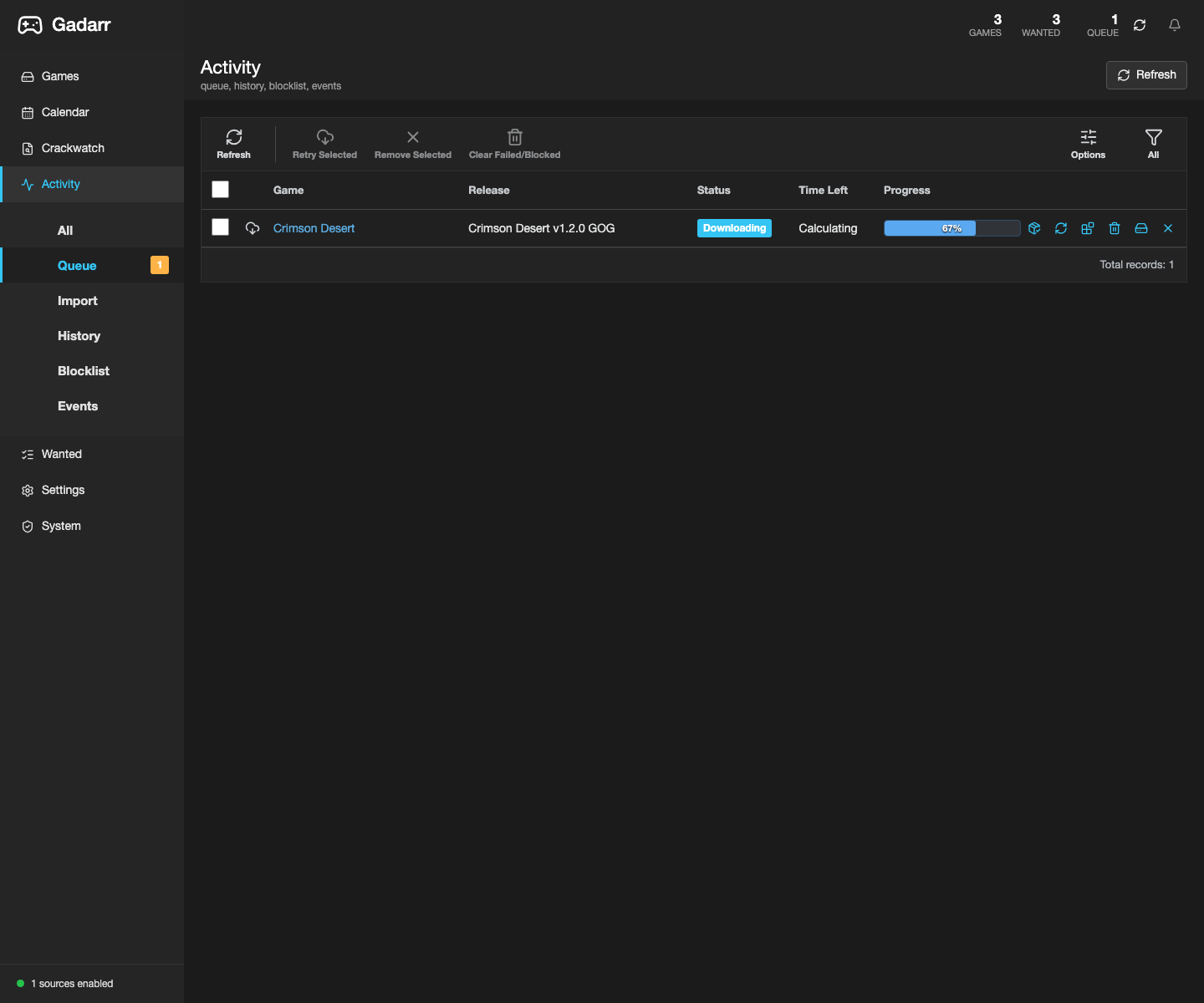 |
Activity queue | Queue rows show game names, status, progress, and download-client actions. |
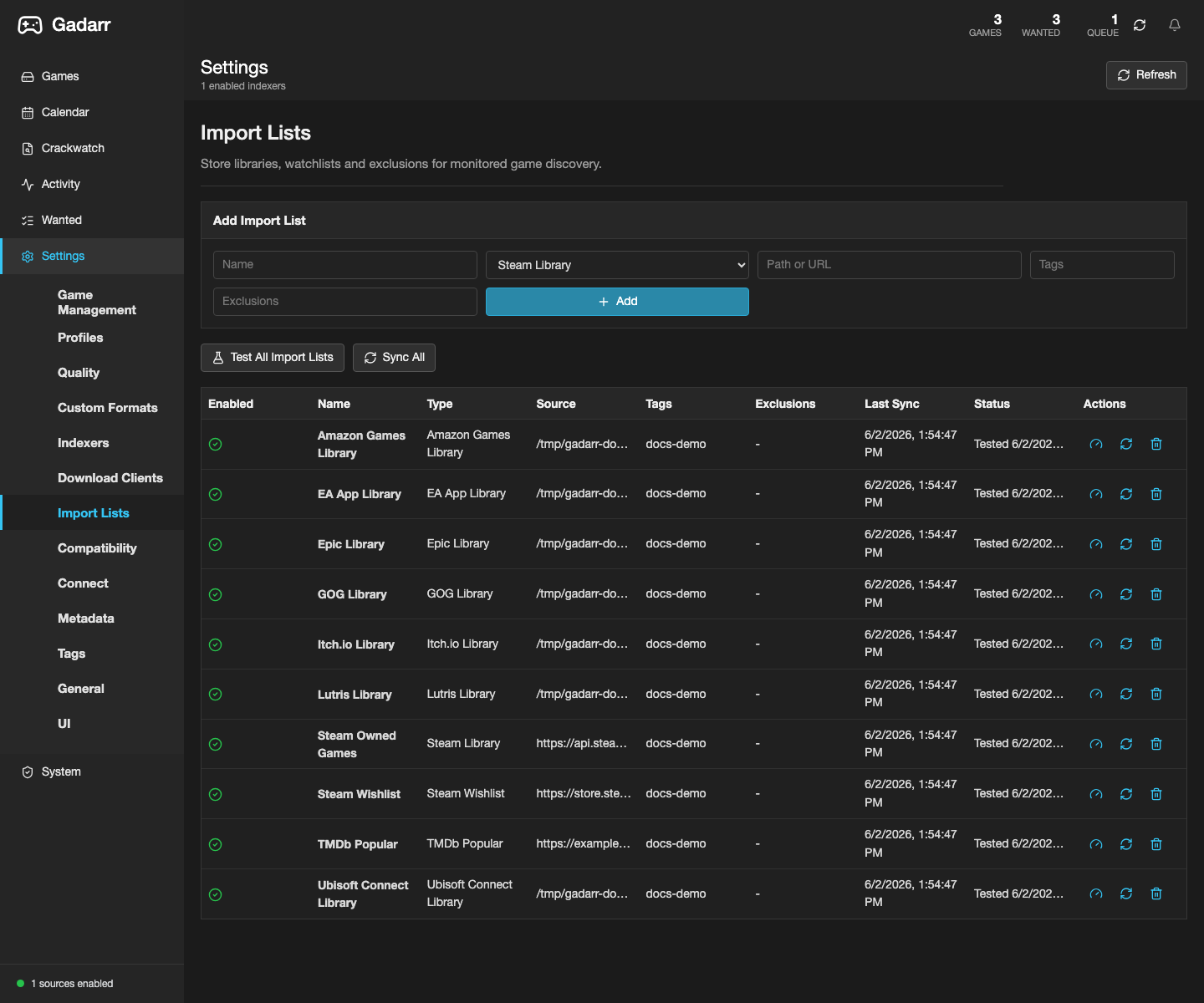 |
Import Lists settings | Store/library/watchlist imports are visible in Settings. |
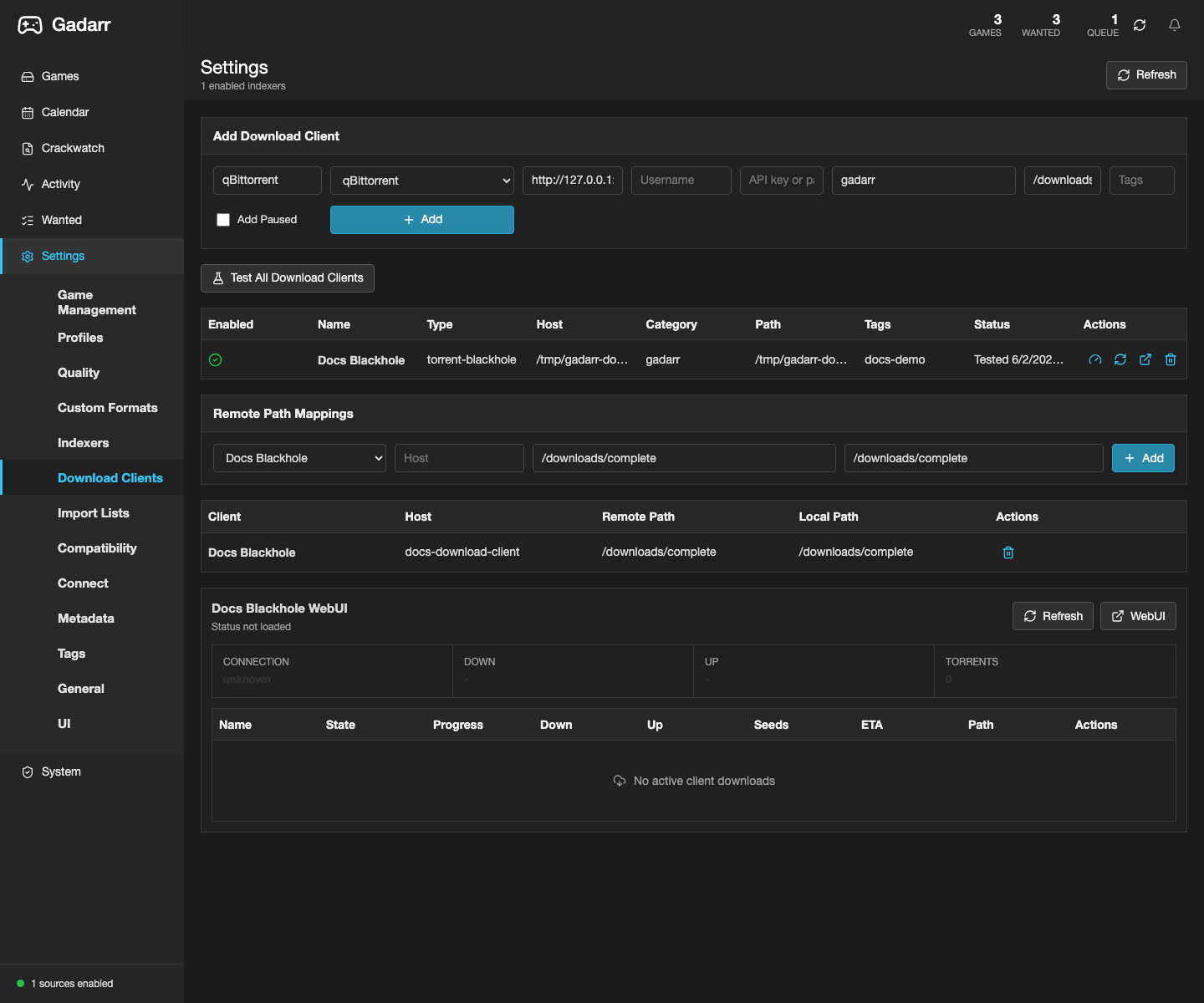 |
Download Clients settings | Download clients and remote path mappings are configured server-side. |
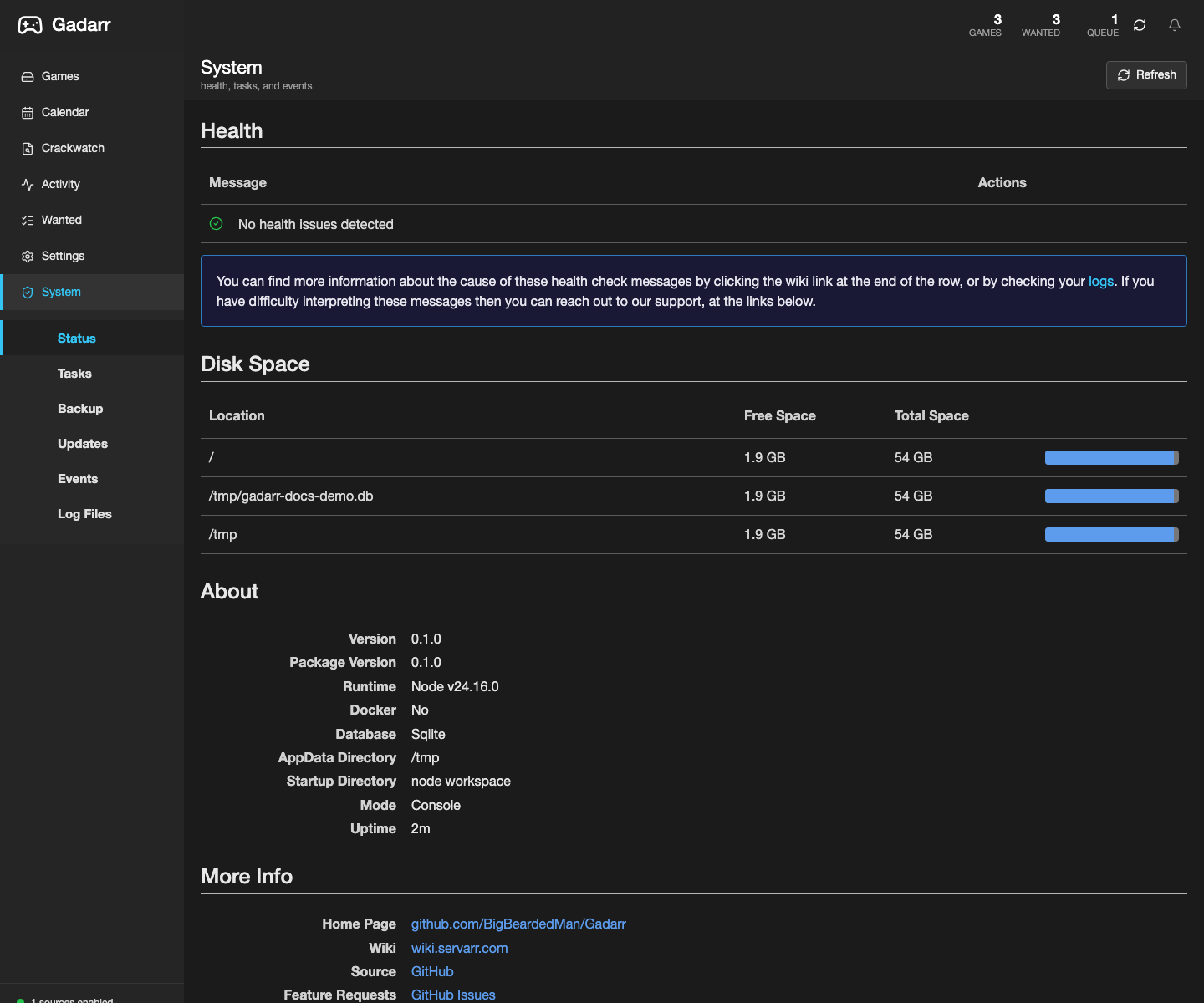 |
System Status | Health, deployment doctor, and runtime status are visible from the UI. |
The existing set uses application screenshots rather than infrastructure admin pages. Prefer the System Status screenshot above when it proves runtime health without exposing account details, private hostnames, unrelated containers, mounted private shares, or environment values.
Do not use screenshots from a private live library if game names, paths, usernames, keys, hostnames, passwords, tokens, account details, or unrelated services would leak.